Add your photograph
Choose a file or use your phone camera. It remains on your device.
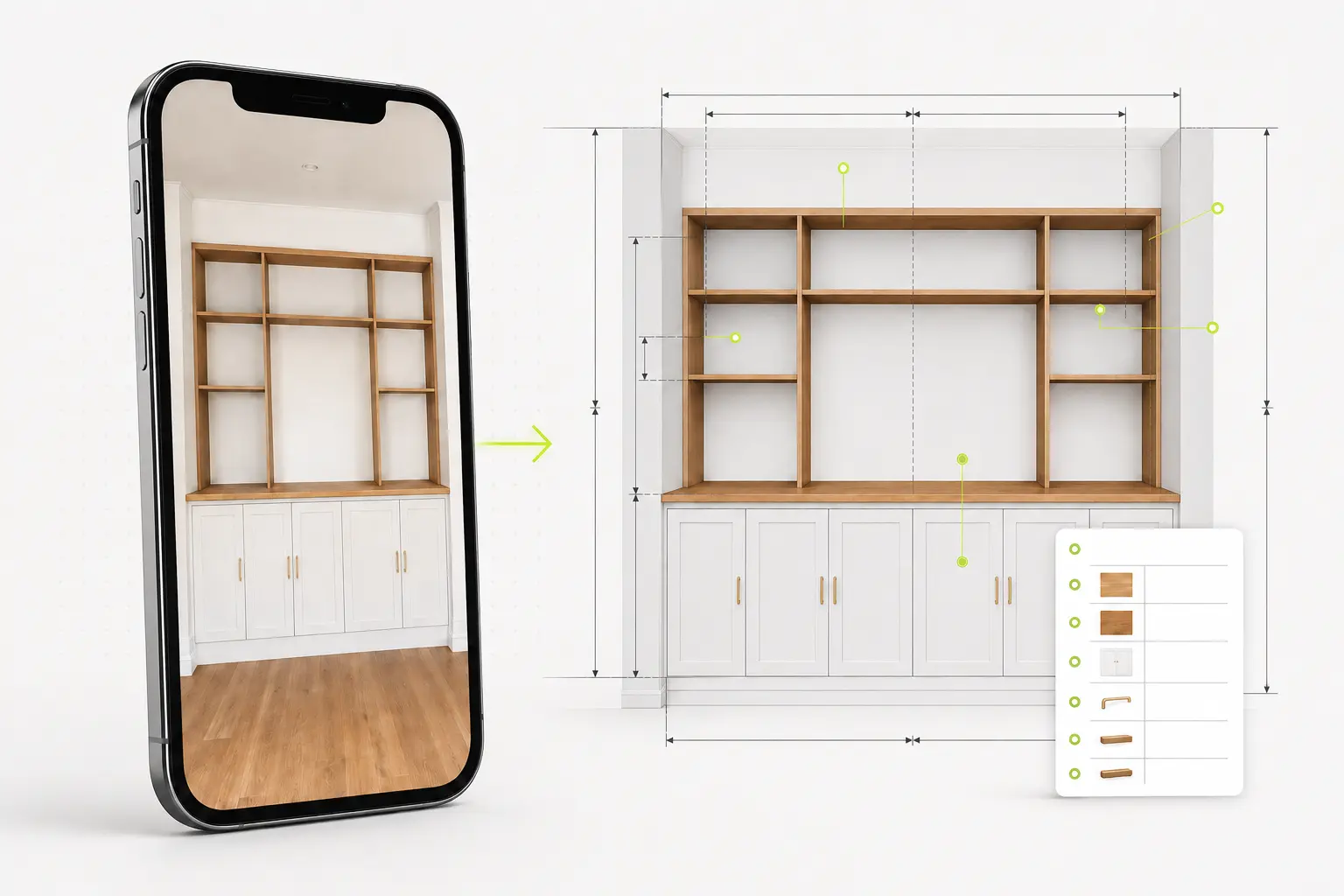
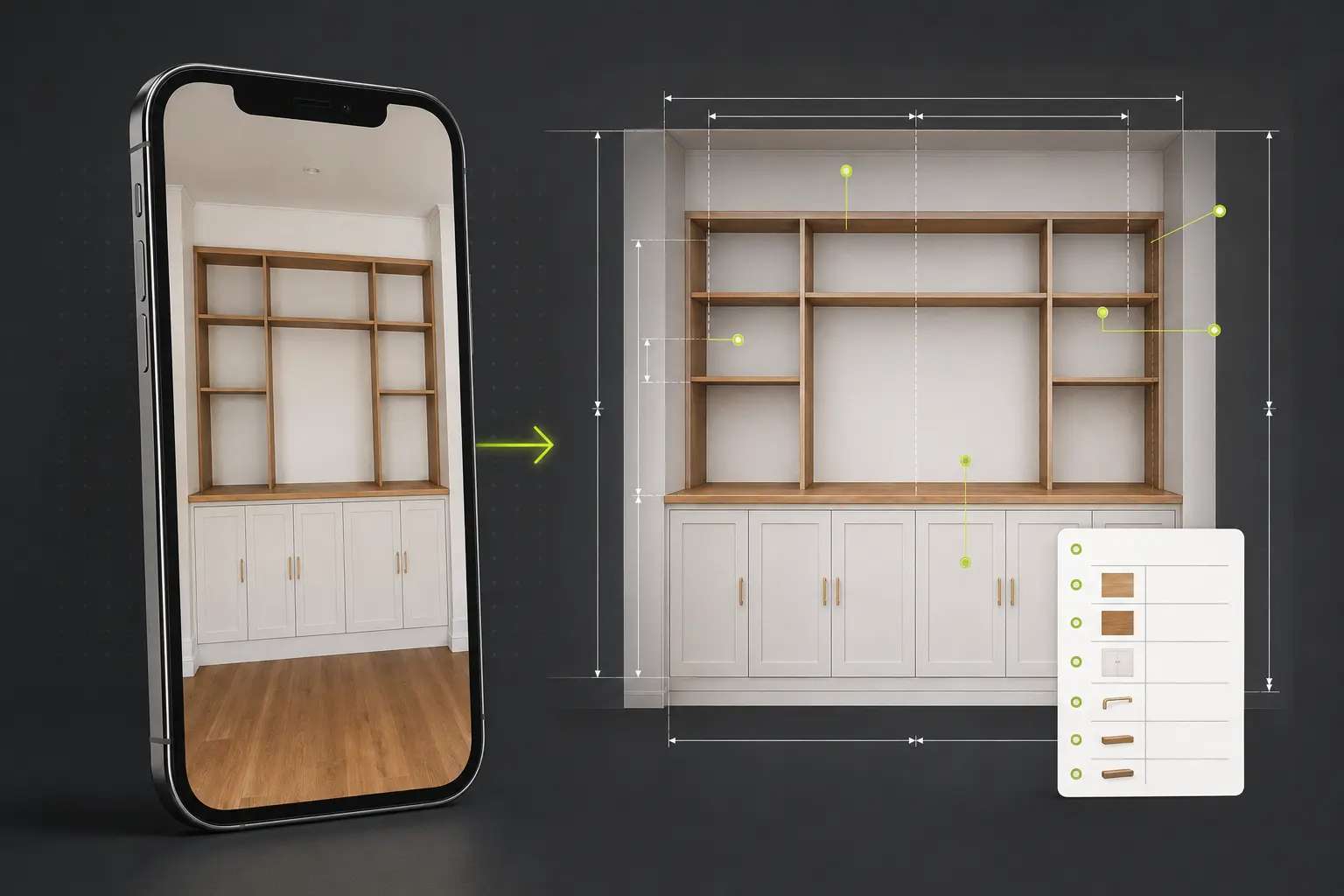
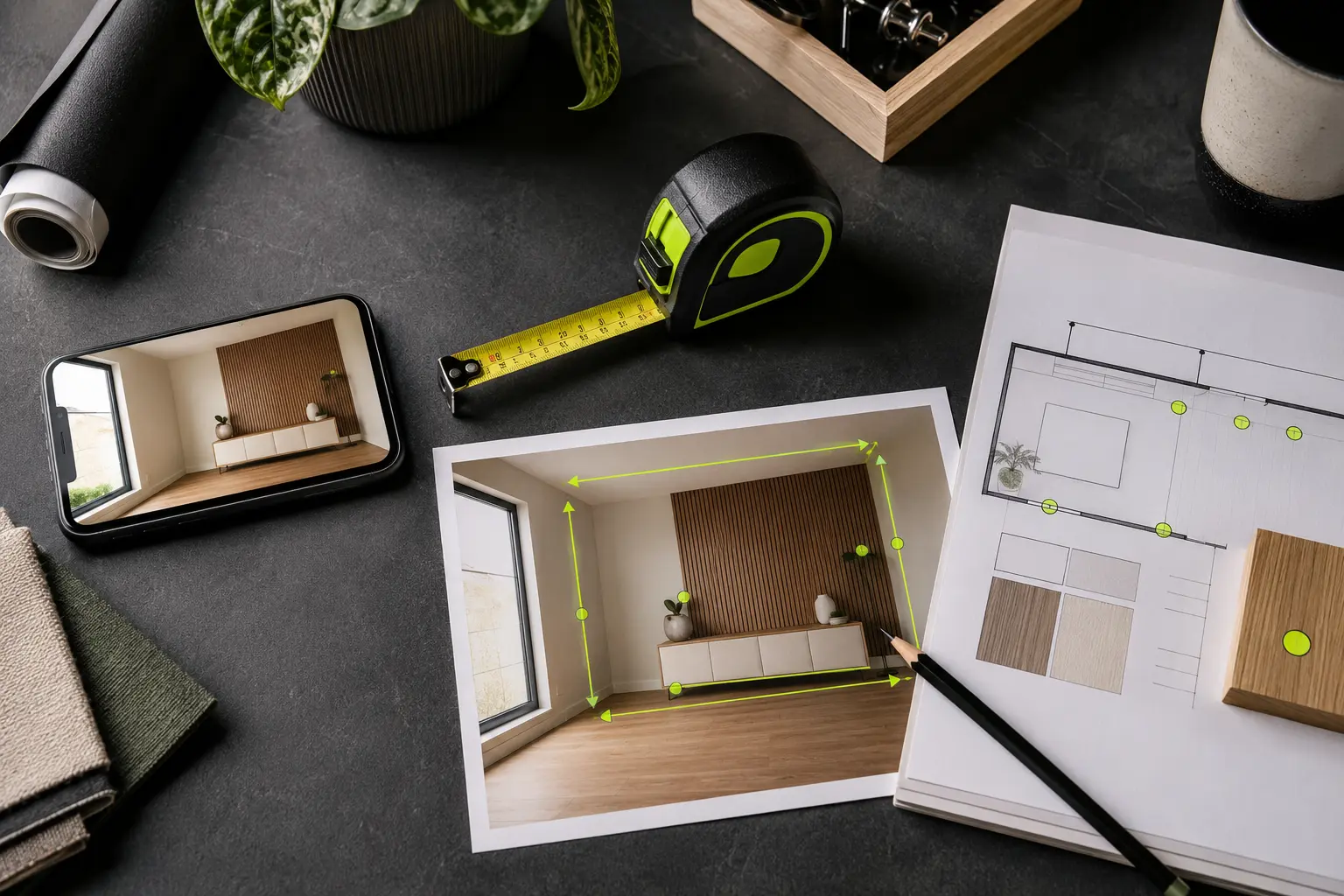
Add measurements to photographs, calculate materials, check what fits and create clear project reports—without uploading your photos.
Reserved advertising space — never inside your editor or downloads
Start with the job you need to do. Every tool uses the same clear controls and keeps your photographs on your device.
Add dimension arrows, angles, labels, callouts and notes to any photograph.
Use free tool → 02Estimate lengths from one known reference or calculate three-point angles in degrees.
Use free tool → 03Combine marked photos, notes and a measurement table into a tidy PDF.
Use free tool → 04Calculate paint, wallpaper, flooring, tiles, skirting and insulation.
Use free tool → 05Create equal layouts, allow for obstacles and produce a practical cut list.
Use free tool → 06Compare an item with its route and final space, including clearances.
Use free tool → 07Calculate centres, spacing, mounting heights and fixing points.
Use free tool → 08Create clean dimensioned product images for eBay, Etsy and Marketplace.
Use free tool → 09Record hidden pipes, cables and framing with measured positions, depths and clear notes.
Use free tool → 10Combine dated photographs, annotations and notes into a clear report.
Use free tool →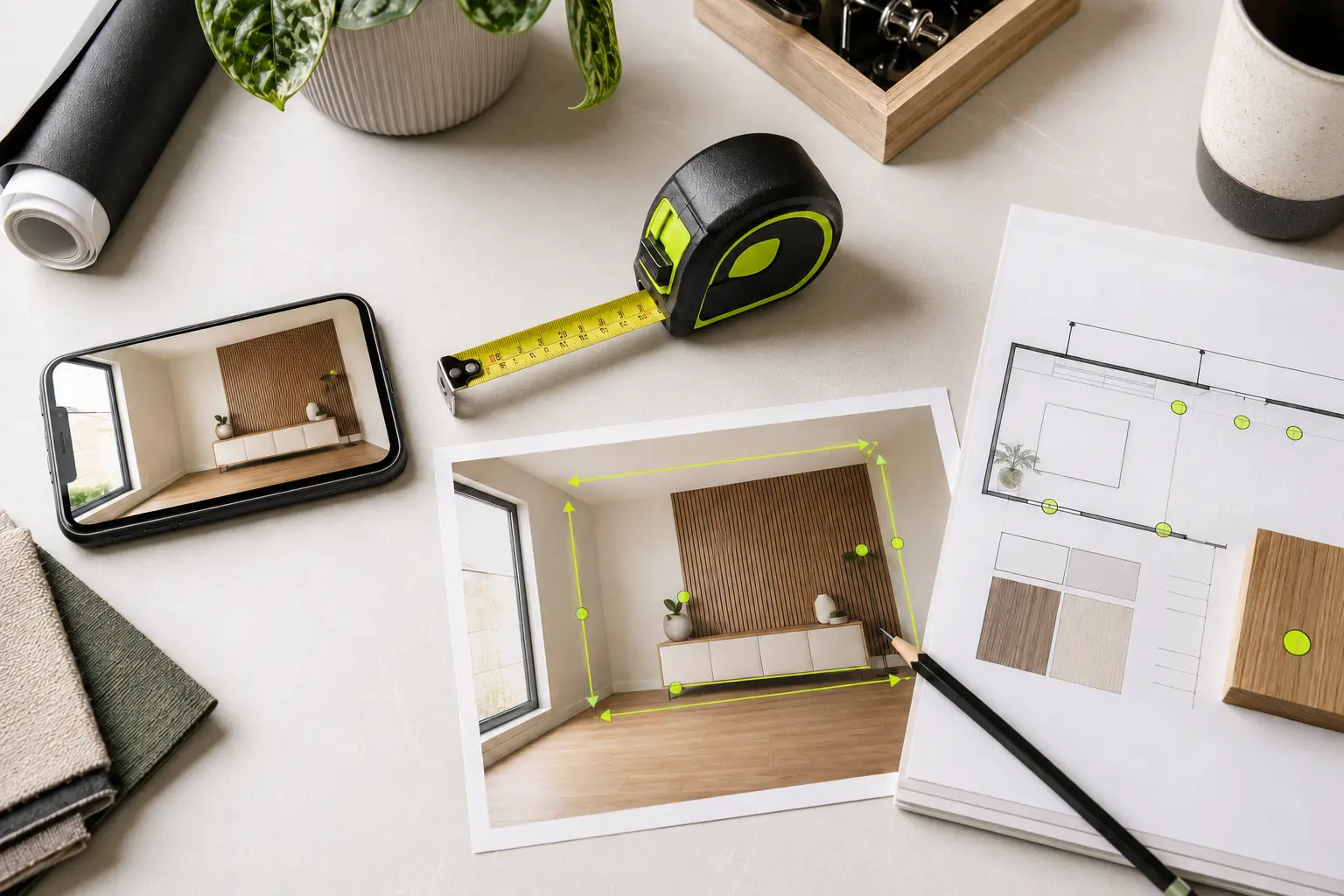
Choose a file or use your phone camera. It remains on your device.
Draw measurements, add values and place clear notes or callouts.
Download the marked image now, then reuse it in related project tools.
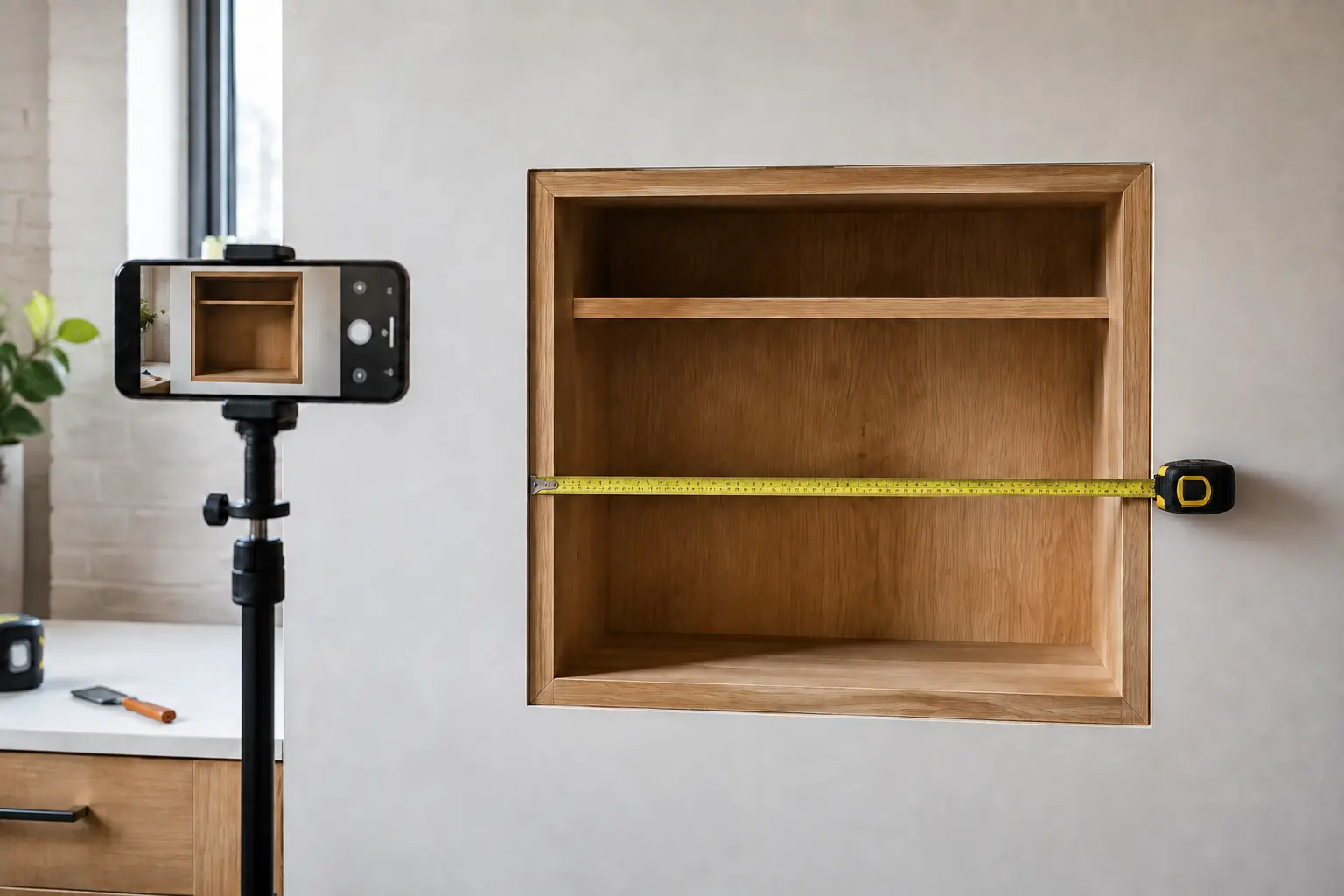
Perspective, lens distortion and objects at different depths can make calculated photo measurements wrong. PhotoMeasureKit keeps measurements you physically enter separate from estimates calculated using a photo reference.
Understand photo measurement accuracy →Every PhotoMeasureKit tool is available free with proper downloads. Advertising supports the site, but never appears inside your editor or downloaded files.